
UpdateNov 9, 2026 · Solo and above · 2 min read
YouTube Shorts publishing
Upload a vertical video you made, write the caption with Rebbel, and it goes up on your YouTube channel as a public Short once you schedule it.
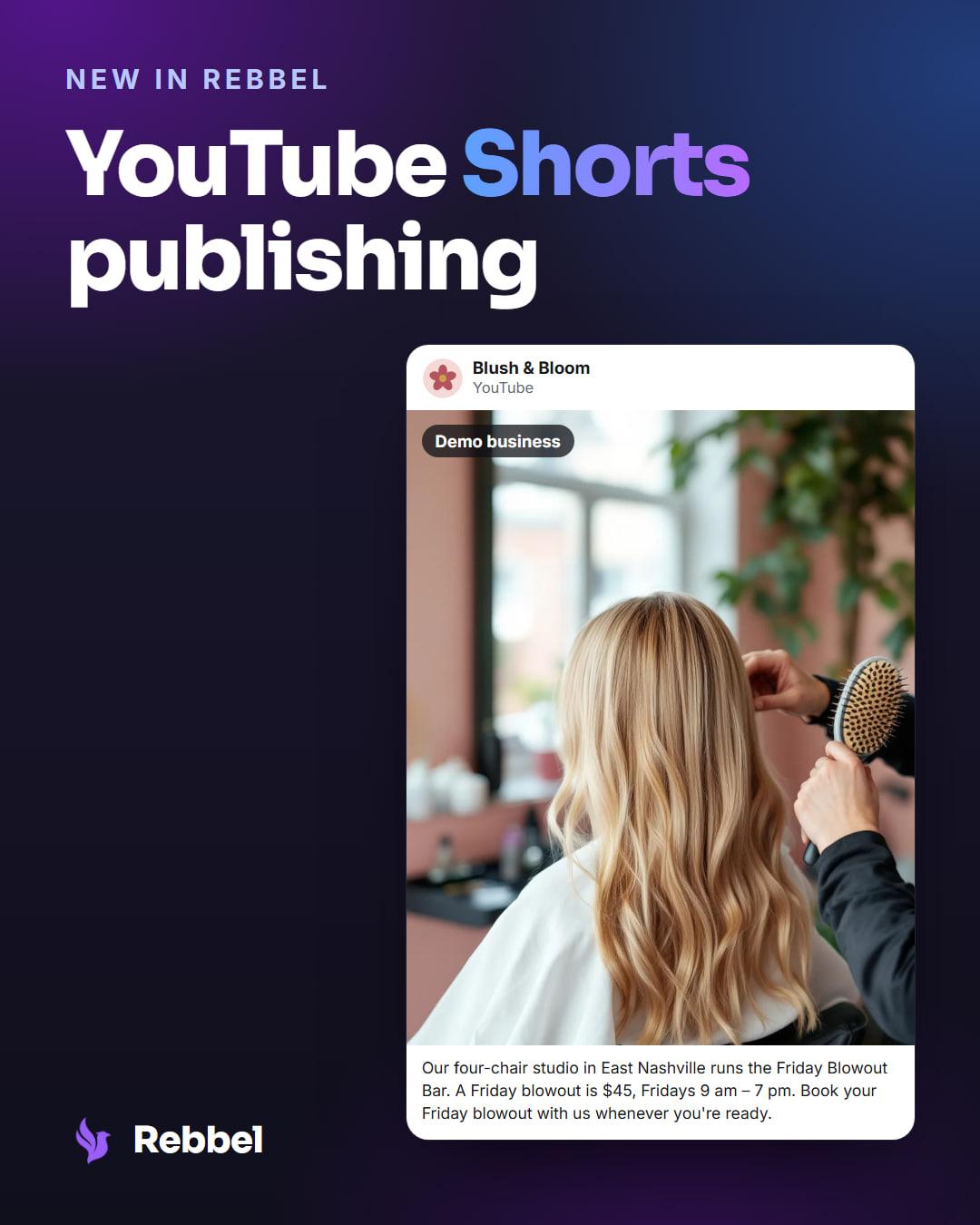
Connect a YouTube channel and the videos you schedule for it go up there as Shorts, on the same yes as every other channel.
At a glance
- Plans
- Solo and above
- Posts
- One video per Short
- Video
- Your own, vertical or square, up to 90s
- Goes out
- Public, once you schedule it
Why we built it
Shorts is where YouTube puts short vertical video, and it reaches people who never open TikTok or Instagram. If you already film short clips for those, the same clip is a Short.
Now YouTube is one more channel your marketing department posts to, from the video you already have.
How it works
YouTube is its own connection: you sign in with Google from your brand's Connections page and pick the channel. When you create a post, choose Upload video and pick a clip you made — an MP4 or MOV up to 90 seconds and 500MB, vertical or square, which is what YouTube treats as a Short. Rebbel doesn't make the video; it's attached as-is.
Picking YouTube shows a Title field: what you type there becomes the video's title, and left empty, the first line of your caption is used. The whole caption becomes its description.
Before it uploads, you confirm the video follows YouTube's Community Guidelines — one line above the Schedule button, every time. Nothing uploads until you say so, and then it goes up public. A clip under 60 seconds is the safer pick: YouTube can block Shorts over a minute that use licensed music.
Who it's for
- Brands that already film short vertical video and want it on YouTube without the extra posting step.
- Available on Solo, Growth and Department.
Set it up
- Connect YouTube from your brand's Connections page.
- Create a post, choose Upload video and pick YouTube.
- Schedule it; it goes up on your channel as a Short.
The full walkthrough: Connect YouTube.
Good to know
- Rebbel only uploads what you schedule.
- One clip per Short — your own MP4 or MOV, vertical or square, up to 90 seconds and 500MB.
- The Title field is the video's title; left empty, your caption's first line is used.
- You confirm each video follows YouTube's Community Guidelines before it uploads.
Keep reading
UpdateOct 2, 2026 · Solo and above
TikTok publishing
Upload a video you made, write the caption with Rebbel, choose TikTok's privacy settings, and it publishes once you approve it. Setup is in the guide.
Setup guide →
Last reviewed Nov 13, 2026.