
UpdateNov 10, 2026 · Every plan · 3 min read
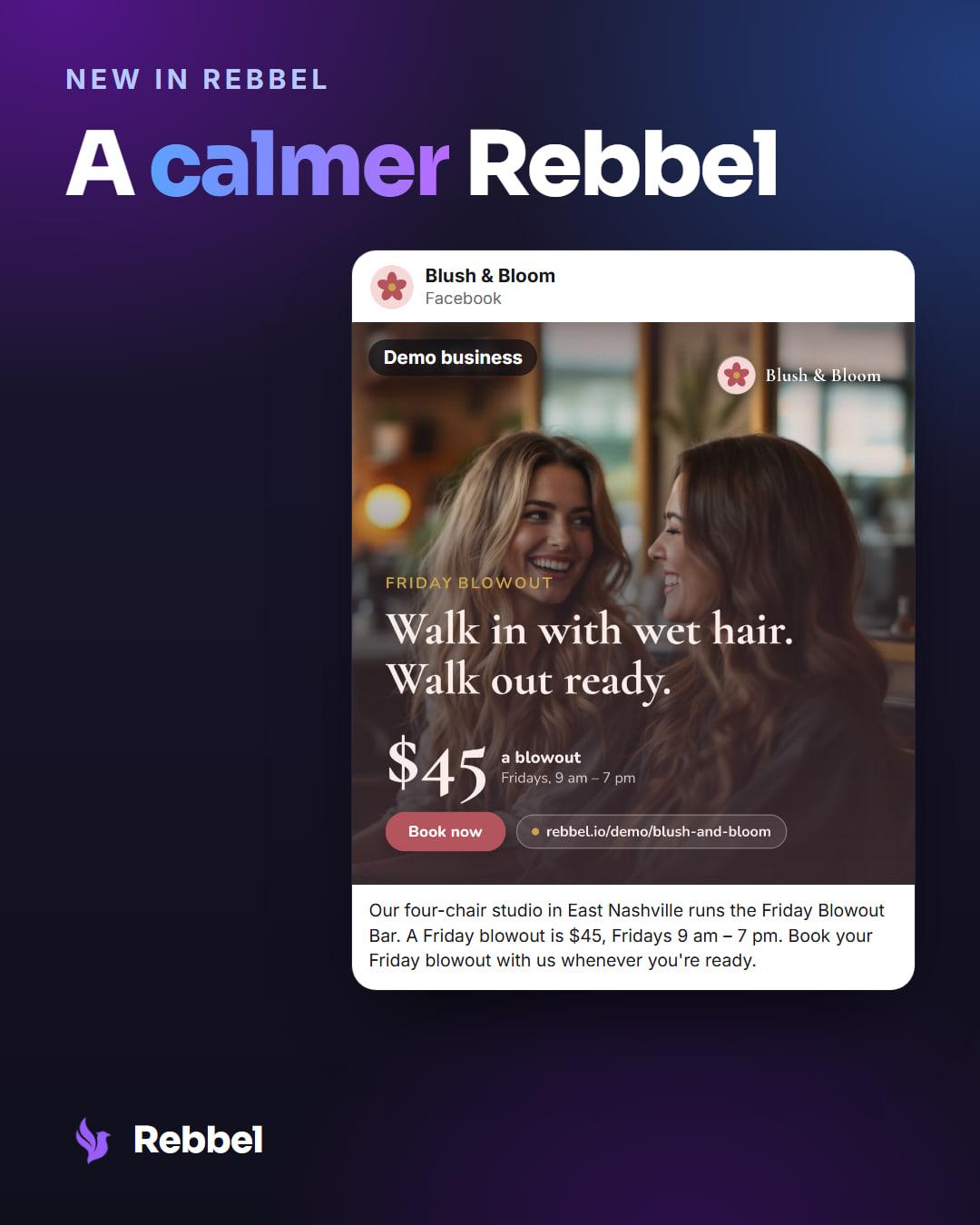
A calmer Rebbel
Rebbel's campaign pages now use blue for posts ready for you and keep amber for a post that needs a fix. Monday's email leads with your own number.
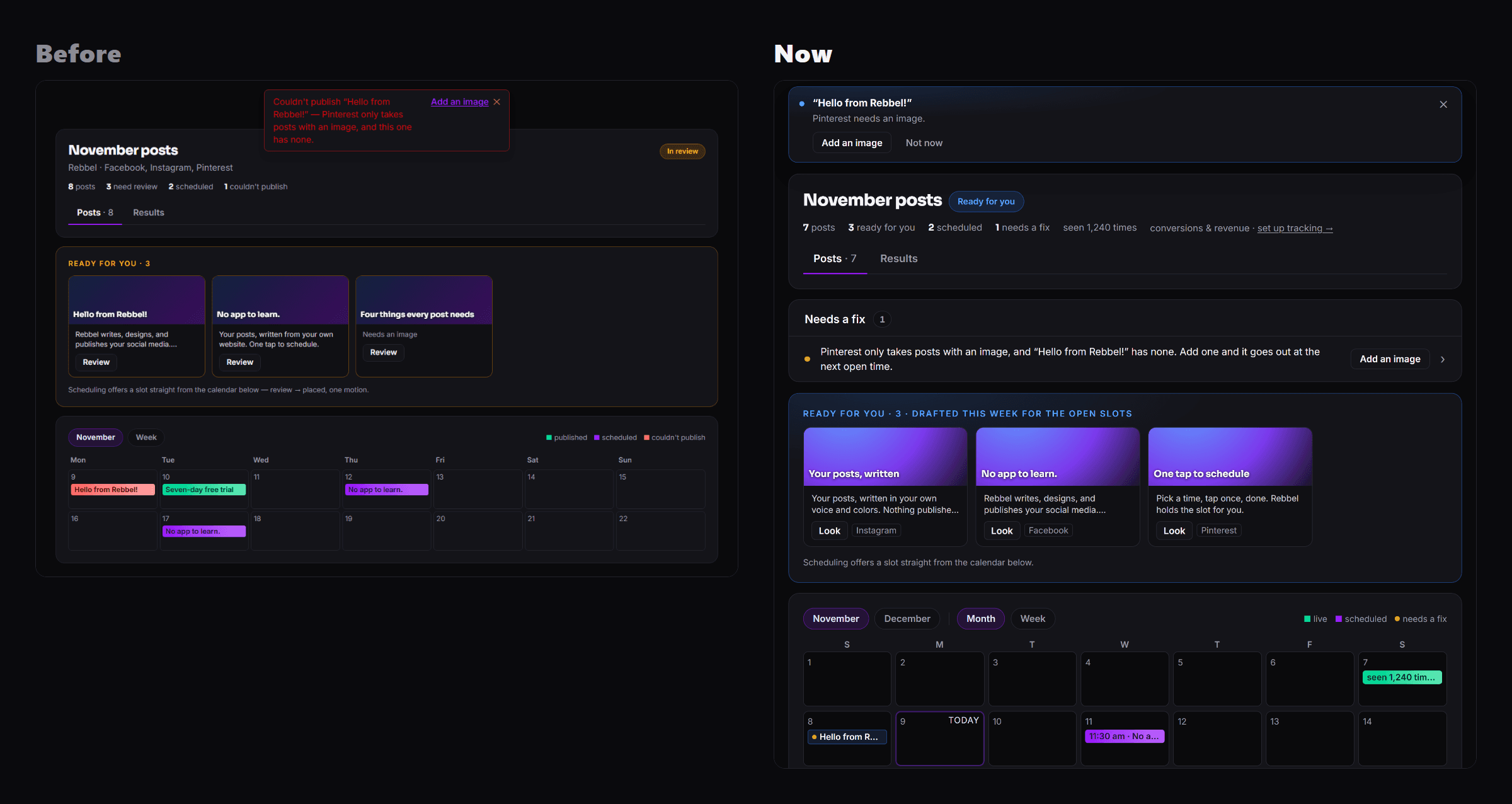
Until this week, Rebbel's campaign pages on the web used yellow and red for almost everything: a draft waiting for you, a count, a note, a post that didn't go out. So nothing stood out. On the campaign pages, each color now means one thing. Blue is ready for you, green is live, and amber is kept for a post that needs a fix.
At a glance
- Plans
- Every plan
- Where
- Rebbel on the web, and the Monday email
- Ready for you
- Blue
- Needs a fix
- An amber dot
- Cost
- Included on every plan
Blue for ready, amber for a fix
Posts waiting for you now wear a calm blue: a Ready for you pill on the campaign, and the drafts waiting for you together in one card, with Look to open each one. At the top of Campaigns, one tile says how many posts are ready for you, what's live and when the next one goes out.
When a post needs something from you before it can go out, it gets its own row under Needs a fix, with a small amber dot, what's wrong in plain words and the button that fixes it, like Add an image.
The notice at the top of the page is calm too. It names the post, says what happened, and offers the same button, with Not now if you'd rather come back to it. The row stays on the page until the post is fixed.
The iPhone and Android apps already use blue for ready and amber only for a fix, so the web and your phone now match.
Monday's email leads with your number
The Monday email now leads with last week's top post as a large image, and under it your own result: how many times your brand was seen. If there's no number to report yet, it says how many posts are ready for you.
Then the week in one line and, when posts are ready, one button to look at them. Nothing goes out until you say so.
Results in color
In Rebbel's chat, the results card's chart used to be gray, which made it look switched off. Its bars are blue now, the posts that are live are green, and the likes and comments line is drawn in the same blue.
New to Rebbel? Paste your website at rebbel.io and read the first post Rebbel drafts for you.
Who it's for
- Everyone who uses Rebbel on the web.
- Owners who read the Monday email.
Set it up
- Nothing to turn on.
- Open a campaign to see what's ready for you and anything that needs a fix.
Good to know
- Nothing goes out until you say so, the same as before.
- The iPhone and Android apps already use blue for ready and amber only for a fix.
Keep reading

ReleaseSep 18, 2026 · Every plan
Rebbel on iPhone and Android
Approve every post from your phone: get a notification when a post is ready, then approve it or send it back. Rebbel for iPhone and Android.
Last reviewed Nov 13, 2026.